
Qa'idah progress
Labbaik tracks Qa’idah one lesson at a time, so you, the student and their parents always know exactly where they’re up to.
Supported books
Section titled “Supported books”Books include:
- Iqra’ Books 1 to 6, one item per page
- Noorani Qaidah, by takhti
- Ahsanul Qawaid, in the Islamiyah Series and Millat Book Centre editions
- SSiQR Parts One and Two
If a class uses more than one book, the first time you open a student Labbaik asks Which Qa’idah is [name] on? Pick the book they read from. You can change it later from Qa’idah book.
Mark a student’s lessons
Section titled “Mark a student’s lessons”-
Open the student’s progress sheet (see Log progress) and tap the Qa’idah tile.
-
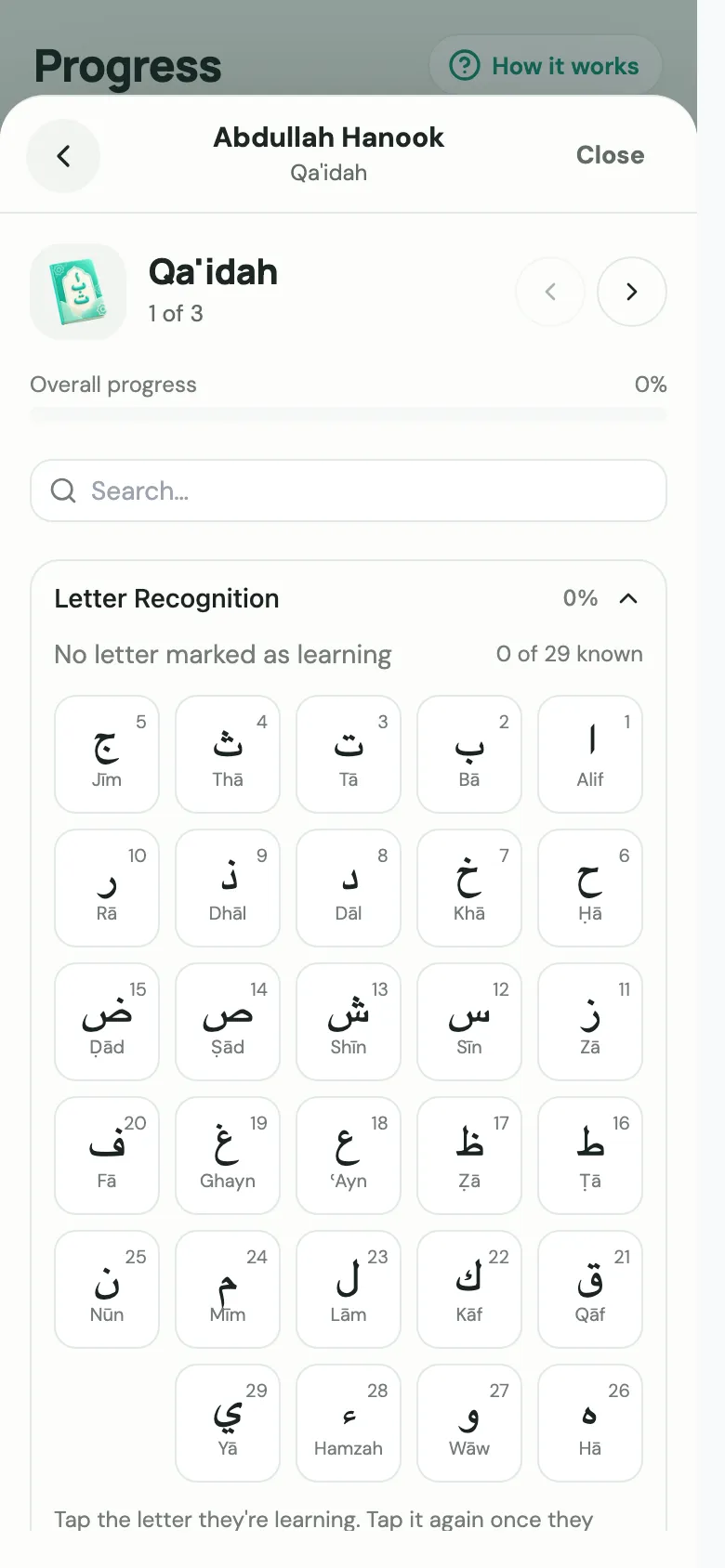
You’ll see their Overall progress, and the book’s sections or levels (such as Letter Recognition, Fatḥah or Tanwīn), each with how far through it they are. Use Search… to jump to a lesson.
-
Open a section, tap a lesson, and choose where they are with it: Not started, Learning, Practising, Secure or Mastered.
-
When they’ve finished a whole level, choose Mark [level] complete. You can undo it straight away if you tapped it by mistake.
Every tap saves straight away, so nothing is lost if the lesson is interrupted. When you’ve finished the student, choose Save progress on their sheet to complete the month and email the parents.
Letters
Section titled “Letters”Lessons on the Arabic letters show a letter grid. Tap the letter they’re learning, and tap it again once they know it. Letters use three grades: Not started, Learning and Known.
Notes and revision
Section titled “Notes and revision”- Add a teacher note to a lesson to remember something for next time. Teacher notes are for staff only; parents never see them.
- Revision items have Skip this revision, for when there isn’t time.
Faster: Quick register
Section titled “Faster: Quick register”To move a whole class on in one go, use the Quick register from Log progress, or Quick progress on Home. Mark each student Same or Next. Next marks their lesson Secure and starts the next one. See Quick register.