
Revenue, manual payments and refunds
Revenue in the sidebar shows every fee and donation, whether it was paid online or recorded by hand.
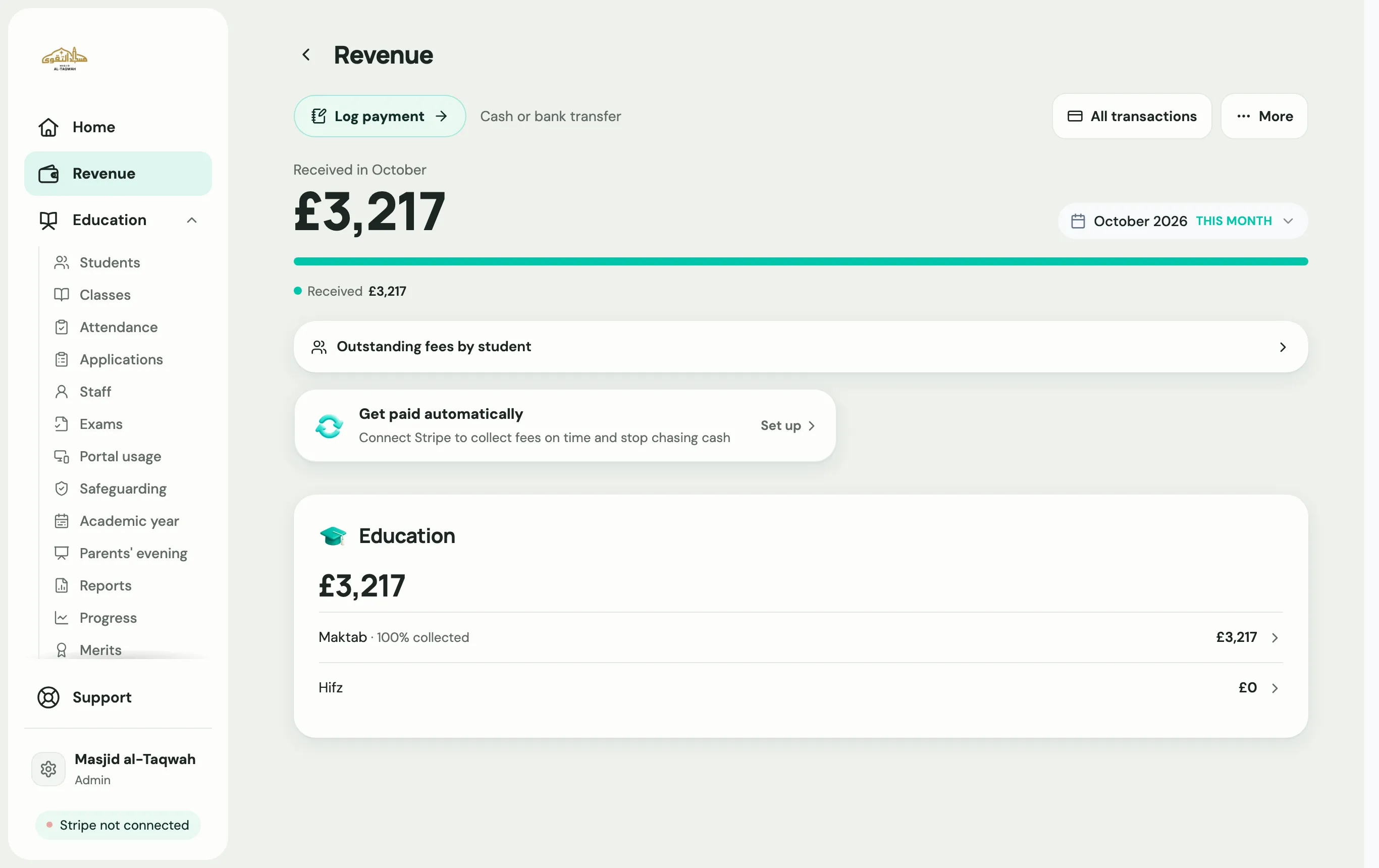
Record a cash or bank payment
Section titled “Record a cash or bank payment”In Revenue, choose Log payment to record cash or a bank transfer against a student, so their balance stays right. Teachers can record payments too if they have the Log cash and bank payments permission.
Refund a payment
Section titled “Refund a payment”-
In Revenue, open the payment and choose Refund.
-
Pick Full or Pro-rated. A pro-rated refund covers only the part of the period the student won’t attend.
-
Say What happened?, so you have a record.
-
Choose Confirm refund.
-
Labbaik asks Mark as left too?. Choose Refund & Mark as Left if the student is leaving, or Just refund, keep active.