
Sadaqah, donations and Gift Aid
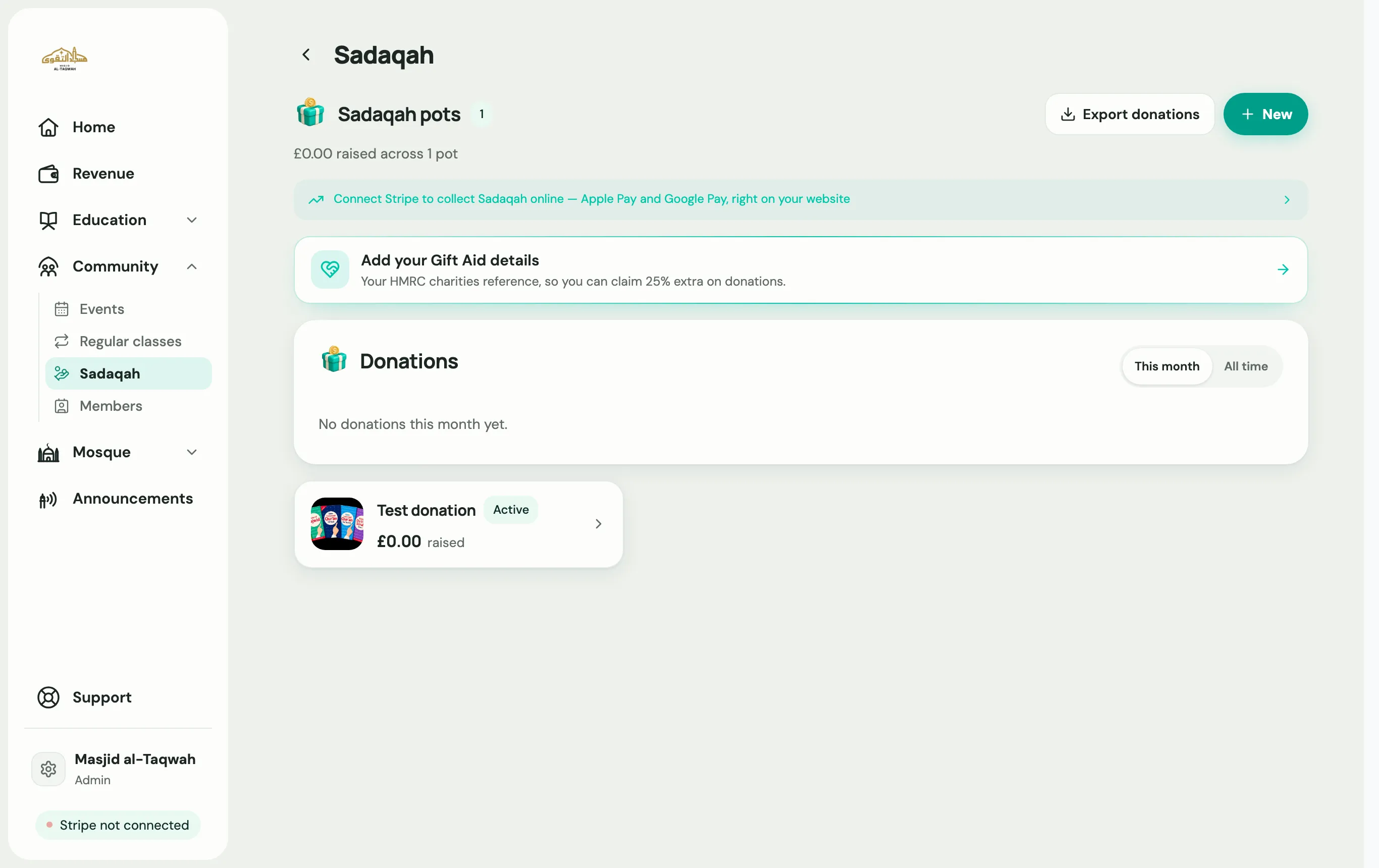
Create a pot
Section titled “Create a pot”A pot is something people give to, such as “General Sadaqah”, “Zakat” or “Roof appeal”.
-
Go to Community → Sadaqah and choose New.
-
Give it a name and a short description. Add a target if it’s an appeal.
-
Save. The pot gets its own donate link, such as
donate.uselabbaik.com/yourname/roof-appeal, that you can share or turn into a QR code.donate.uselabbaik.com/yournameshows all your pots.
People can give once or monthly, by card, Apple Pay or Google Pay. You need Stripe connected first.
Log a cash or bank donation
Section titled “Log a cash or bank donation”Choose Log a donation to record gifts made in person. Use Log and send receipt to email the donor a receipt at the same time.
Gift Aid (UK charities)
Section titled “Gift Aid (UK charities)”Gift Aid adds 25p to every £1 a UK taxpayer gives, claimed from HMRC.
-
On the Sadaqah page, choose Add your Gift Aid details and enter your HMRC charity reference.
-
On each pot that should offer it, tick Offer Gift Aid on this pot, then Turn Gift Aid on. Donors are asked for their declaration when they give.
-
When you’re ready to claim, create a claim, tick to confirm the declarations, and download the claim schedule.
-
Upload it in HMRC’s Charities Online service.
-
Come back and mark the claim as sent, so those donations aren’t claimed twice.