
Get support
WhatsApp us (easiest)
Section titled “WhatsApp us (easiest)”The easiest way to reach us is our WhatsApp Business account: @labbaik on WhatsApp. Tap the link on your phone, or scan it from a computer, and send us a message. You can send screenshots and voice notes there too.
From inside Labbaik
Section titled “From inside Labbaik”You can also use the Support button in the sidebar.
-
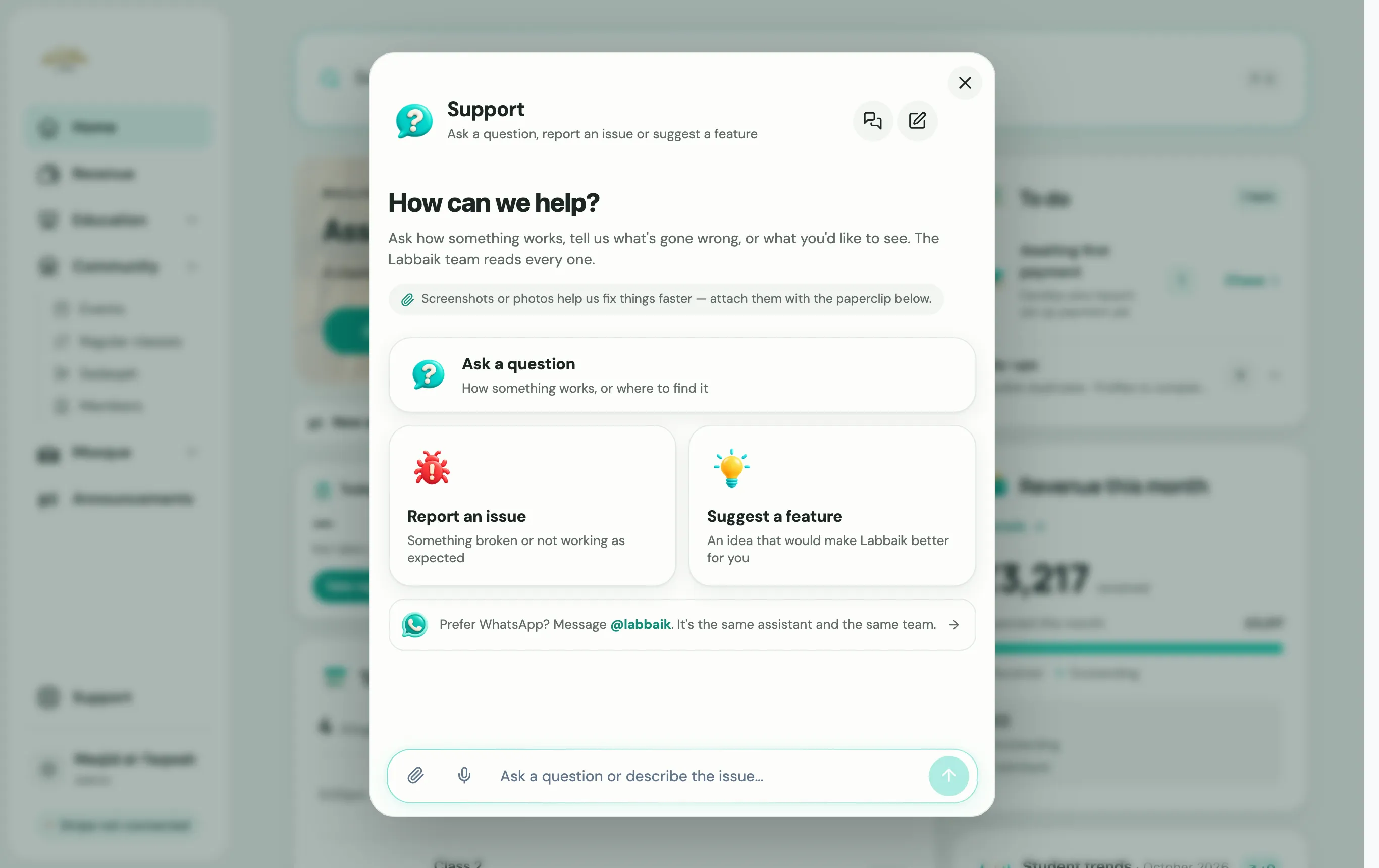
Choose Support in the sidebar.
-
Pick what you need: Ask a question, Report an issue or Suggest a feature.
-
Type your message. Screenshots help us a lot when something looks wrong.
Choose Cases to see what you’ve raised before and where each one is up to. If you’d rather talk on your phone, choose Chat on WhatsApp instead.
Other ways
Section titled “Other ways”- WhatsApp: @labbaik on WhatsApp
- Email: support@uselabbaik.com
- Ask Labbaik: press ⌘ K or Ctrl K and ask in plain words. It answers questions about your own data, and points you to the right page.