
Add your prayer times
Add your times once, and they show everywhere: your Labbaik page, the prayer board and your website.
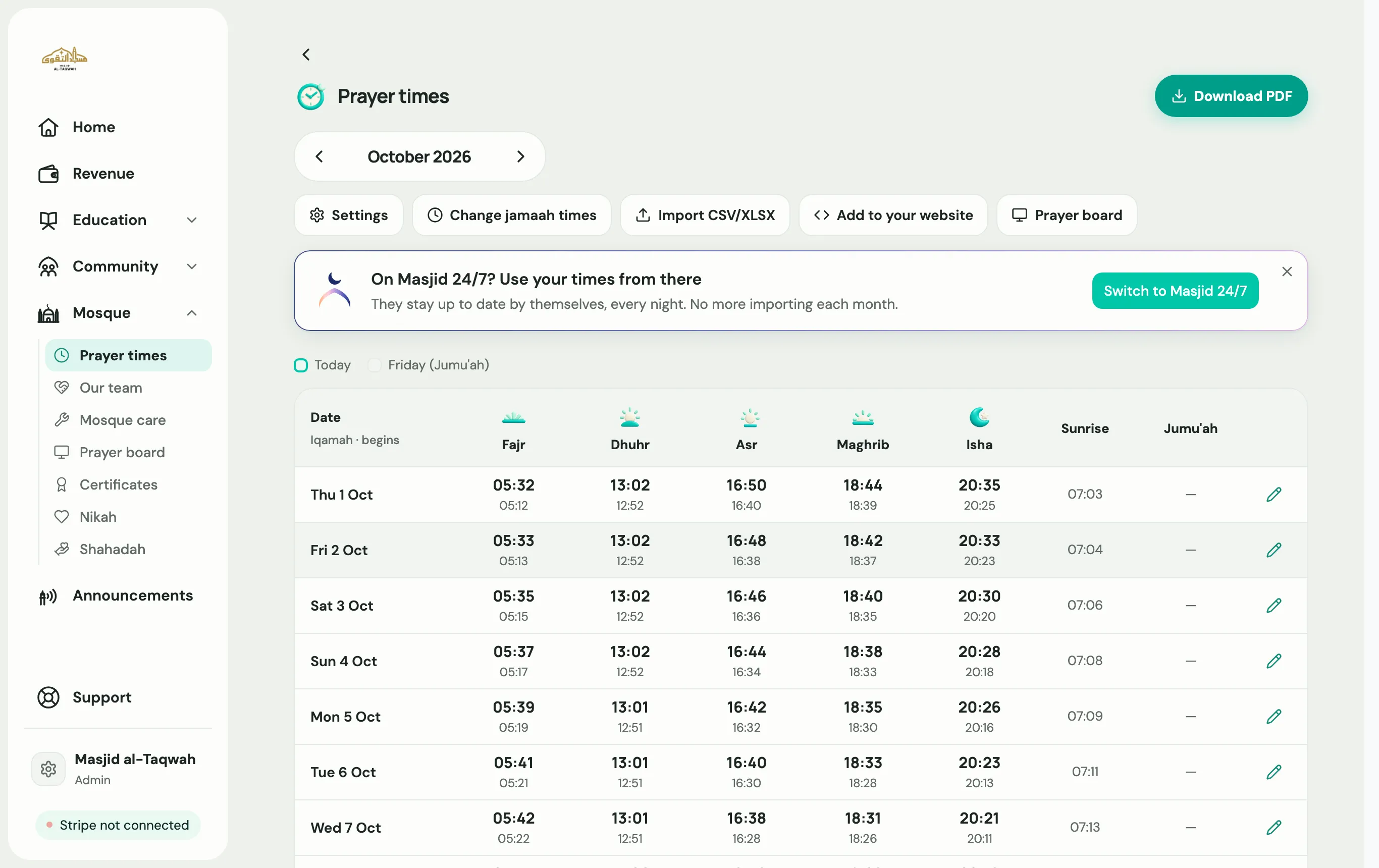
Go to Mosque → Prayer times. Under Let’s add your prayer times, pick one of three ways:
Best if you already print a yearly timetable.
-
Choose Import your timetable.
-
Upload your spreadsheet (
.xlsxor.csv), with one row per day. -
Map columns: tell Labbaik which column is the date, Fajr, sunrise, Dhuhr, Asr, Maghrib and Isha, plus any jamaah columns.
-
Preview: scroll through a few months and check the times look right.
-
Choose Done.
-
Choose Work them out for me.
-
Pick a Calculation method, such as Muslim World League, ISNA (North America), Karachi, Umm al-Qura or Moonsighting Committee. Ask your imam if you’re not sure which one your masjid follows.
-
Labbaik works out the start times from your address.
If your masjid already publishes times through Masjid 24/7, choose Use Masjid 24/7. Labbaik fetches the latest times every night. It never overwrites days you entered by hand or imported, unless you choose to replace them.
Set your jamaah times
Section titled “Set your jamaah times”Start times are only half the picture. Choose Set your jamaah times to add when each congregation prayer begins. When they change, for example after the clocks go back, choose Change jamaah times. You can change them for a week, a month, or from one date until another.