
Quick start checklist
Most organisations are fully set up in an afternoon. Do the steps in this order: each one makes the next one easier.
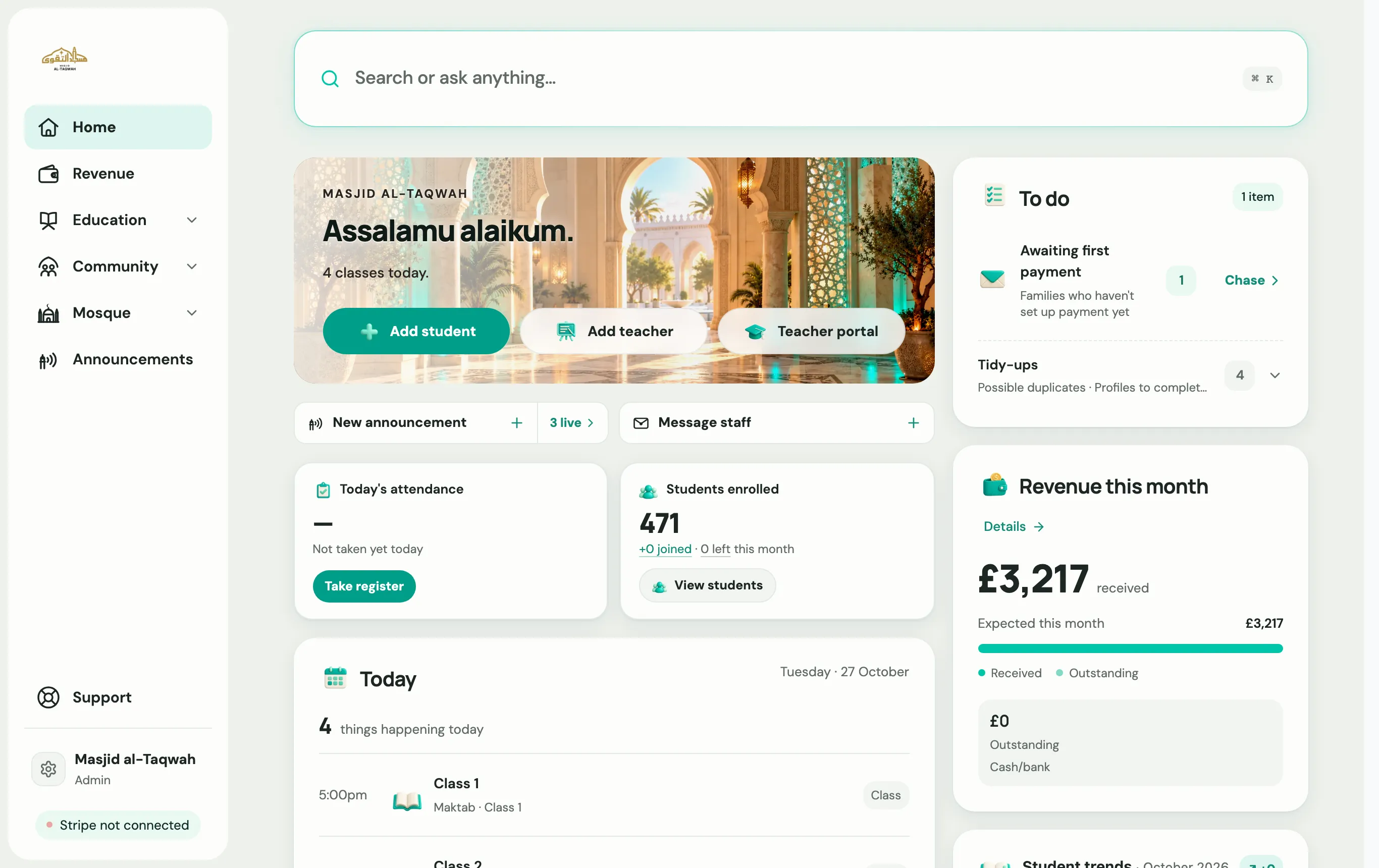
When you sign in, your Home screen shows a Get set up guide that ticks these off as you go.
-
Create your account. Sign in with your email and answer five short questions about your organisation. Create your account →
-
Set your academic year. Add the year’s start and end dates, plus terms, holidays and closures. Registers, the parent portal and fees all use these dates. Set your academic year →
-
Add your programmes and classes. A programme is a course such as Qa’idah, Qur’an or Hifz. Classes sit inside programmes, and groups sit inside classes. Programmes, classes and groups →
-
Invite your team. Teachers take registers and log progress on their own phones. Add staff →
-
Connect Stripe if you collect fees or donations online. Connect Stripe →
-
Add your students. Add them one at a time, import a spreadsheet, or share your registration link so families sign up themselves. Add a student →
-
Install the app and turn on alerts. Add Labbaik to your phone’s home screen so you hear about failed payments and new applications straight away.
-
Secure your account. Add a passkey or two-step verification. Two-step verification and passkeys →
Running a masjid?
Section titled “Running a masjid?”Masjids get a few extra steps on the same checklist: