
Applications and registration links
Your registration links
Section titled “Your registration links”Every organisation gets a public link that families use to apply:
- All classes:
apply.uselabbaik.com/yourname - One class: each class has its own link. Find it on the class and share it in that class’s WhatsApp group.
yourname is the username you chose when you set up your account.
What happens when a family applies
Section titled “What happens when a family applies”That depends on the sign-up setting you chose for the class:
| Setting | What happens |
|---|---|
| Review each application | The application waits in Applications until you approve it. |
| Sign up and pay straight away | The family pays as they sign up, and the student is enrolled automatically. |
| Follow the programme | The class uses its programme’s setting. |
Review applications
Section titled “Review applications”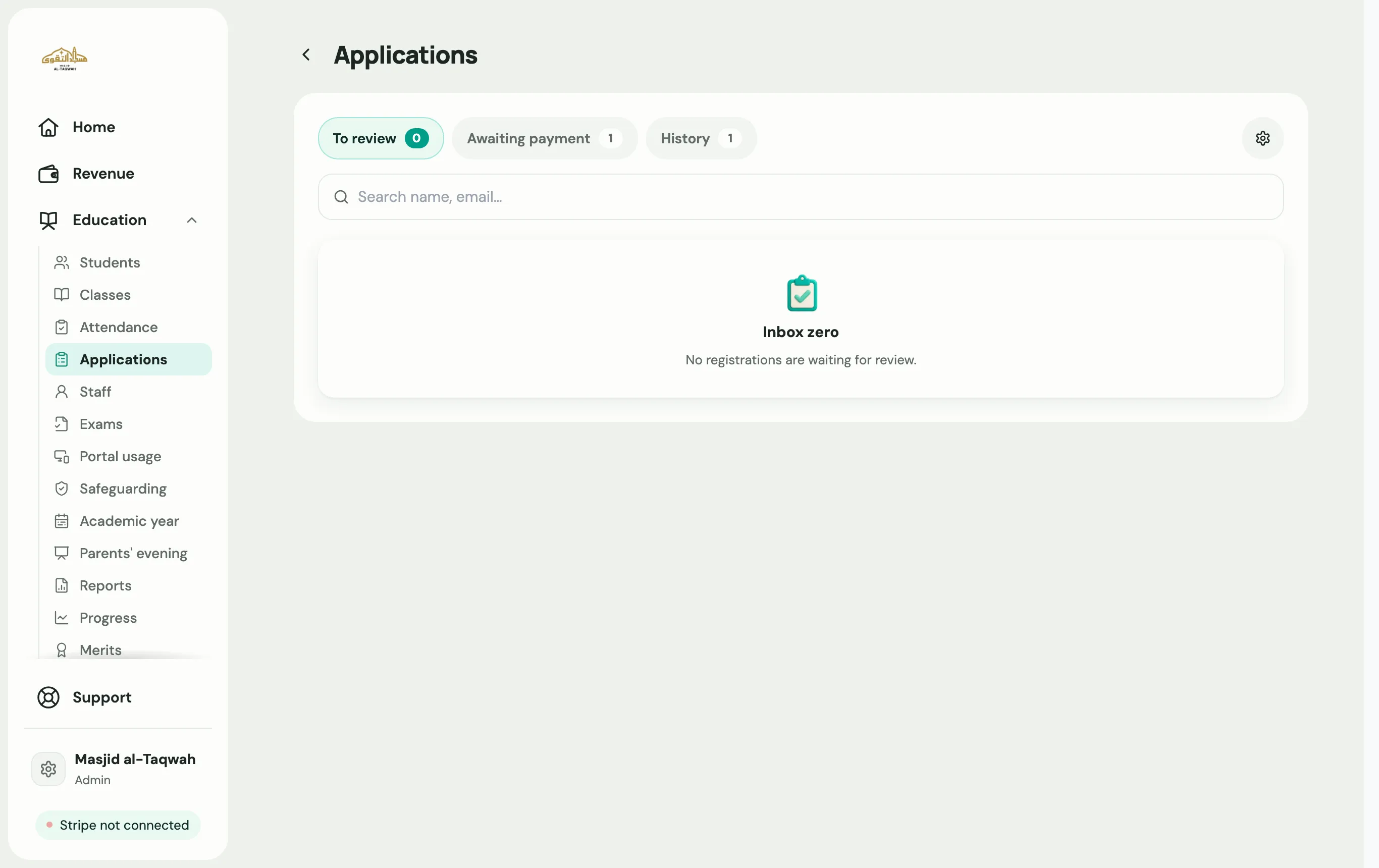
-
Go to Education → Applications.
-
Open an application to see the family’s details.
-
Choose what to do:
- Approve: enrol the student. When siblings applied together, use Approve family. To move straight to the next application, use Approve & continue.
- Decline: turn it down. Use Decline & email them to let the family know.
When fees are due on approval
Section titled “When fees are due on approval”For classes with fees, you can also:
- Mark as paid, if the family paid by cash or bank transfer.
- Resend link, if the family didn’t finish paying.
- Set discount, for siblings, hardship or staff.