
Events and bookings
-
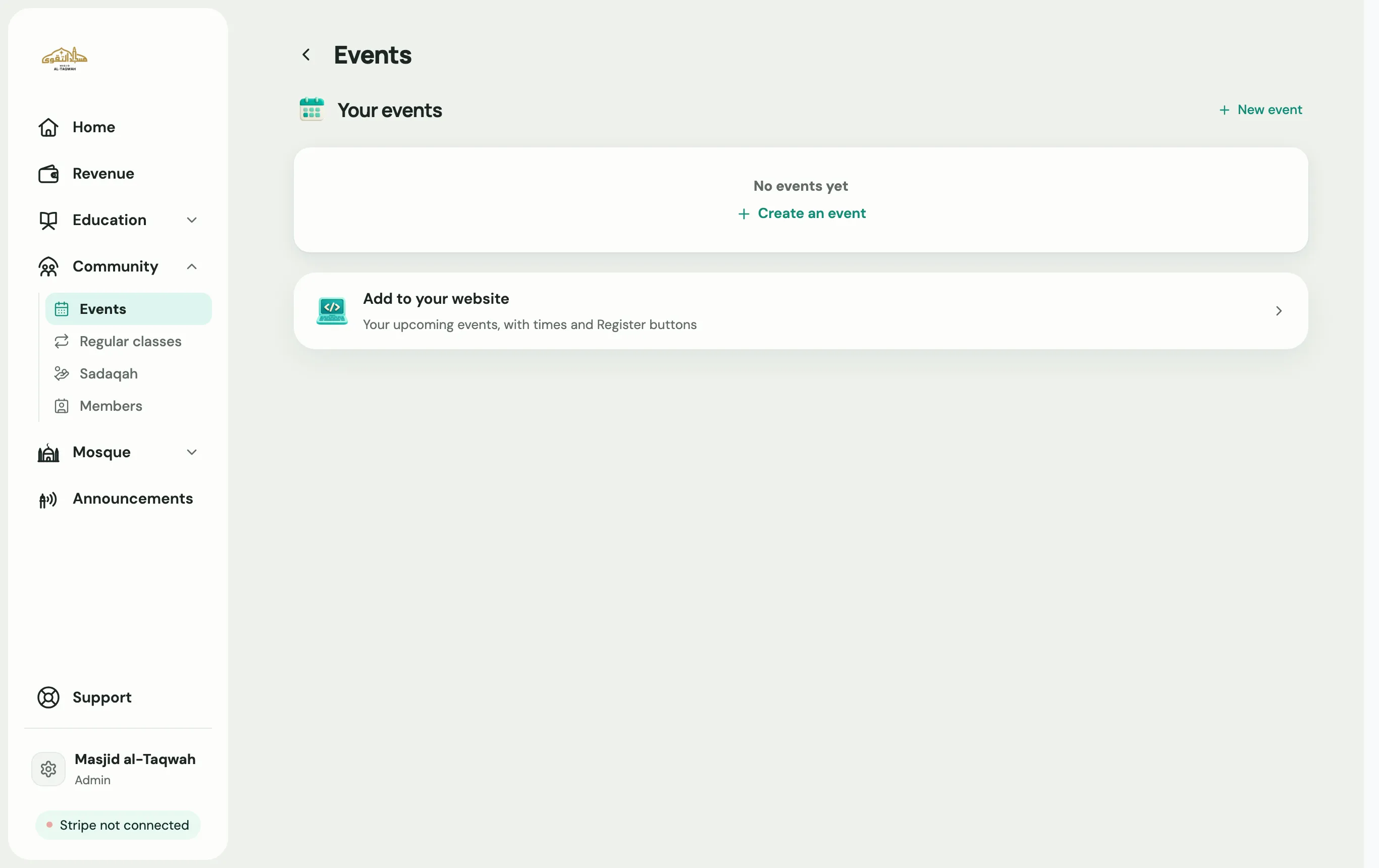
Go to Community → Events and choose New event.
-
Category: what kind of event it is, such as a talk, course, iftar or trip.
-
Details: dates, times, where it’s held (in person or online) and any notes.
-
Audience: who can come, such as an age range, and whether it’s for brothers, sisters or both.
-
Extras: capacity, a ticket price, guest speakers, and whether to Ask for donations afterwards.
-
Review: write the title and description under About this event, and check everything over.
-
Announce: choose Publish event, or Publish & post to board to put it on your announcements and prayer board too. Use Save as draft if you’re not ready.
Once it’s published, choose Share event to get its link for WhatsApp or your website.