
Programmes, classes and groups
How it fits together
Section titled “How it fits together”Labbaik uses three levels:
- Programme: a course of study, such as Qa’idah, Qur’an, Hifz or an Alimiyyah course.
- Class: a set of students who meet at the same times with the same ustadh, such as “Qur’an, Mon–Thu 5pm”.
- Group: an optional smaller set inside a class, such as a reading level or a halaqah.
Attendance, progress and fees all follow this structure. Most maktabs start with one programme per subject and one class per teaching slot.
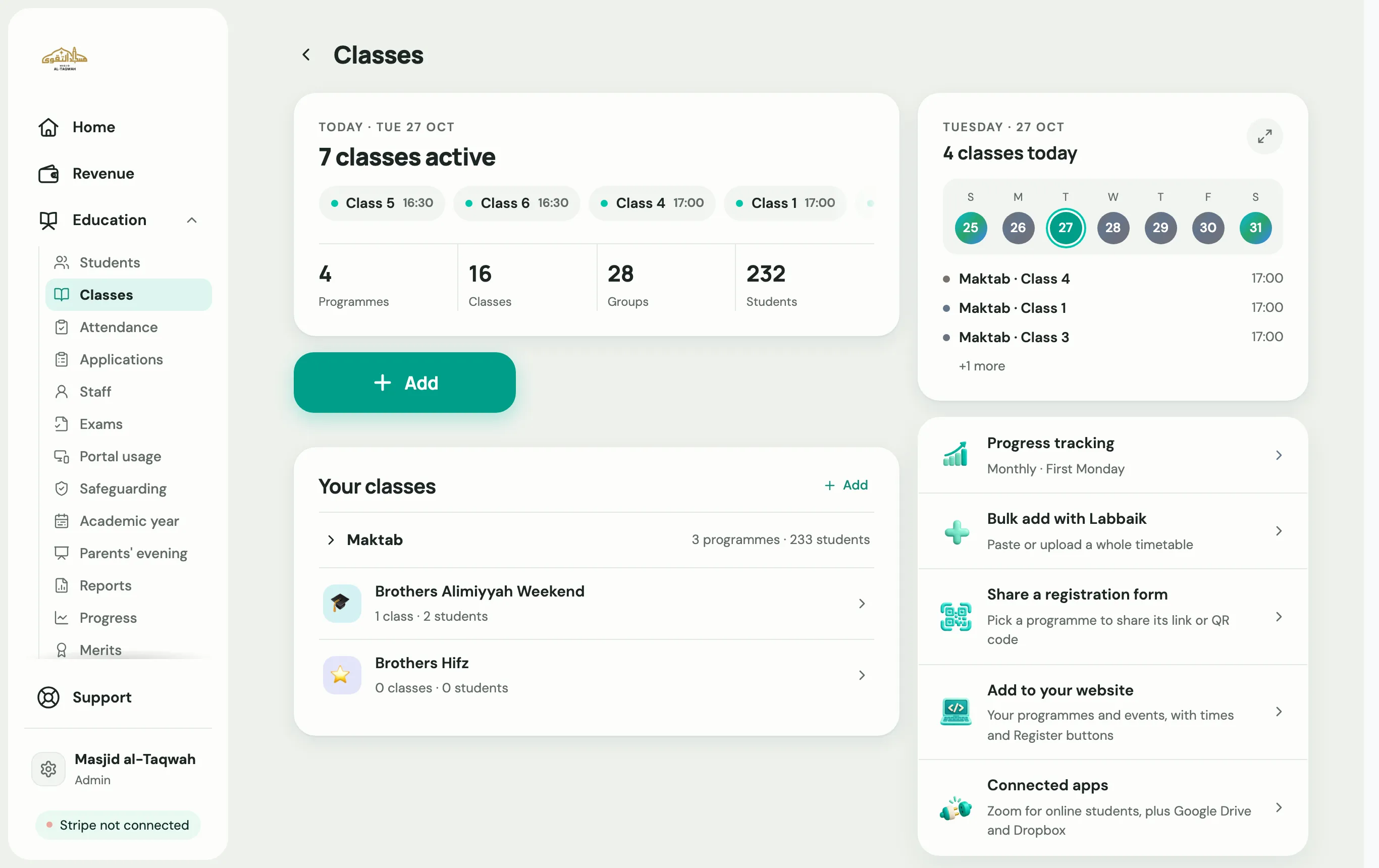
Add a programme
Section titled “Add a programme”-
Go to Education → Classes and choose the large Add button.
-
Pick Add a programme.
-
Choose a category, then tell Labbaik about the programme.
-
Choose how it’s structured:
- Progression-based, where students move up by level, as in Qa’idah or Hifz.
- Year-based, where students move up each academic year.
-
Choose whether to track attendance and progress, then finish.
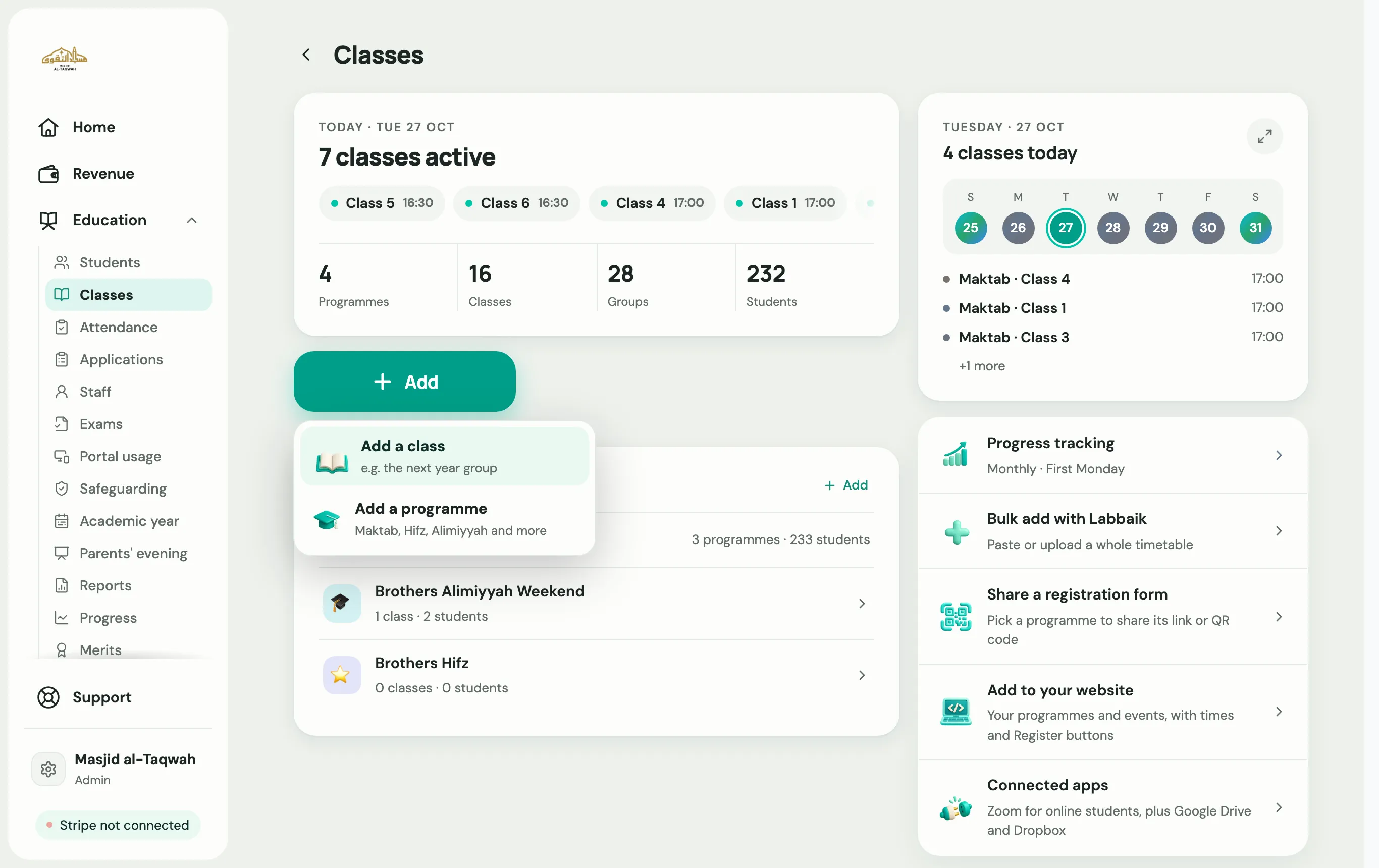
Add a class
Section titled “Add a class”-
Choose Add, then Add a class.
-
Programme: choose which programme the class belongs to.
-
Name and place: give the class a name and say where it meets, such as a room, or online.
-
Who and what: who it’s for, what they’re learning, the subjects taught and the ustadh.
-
Groups: add groups if you split the class, or skip this step.
-
Times and sign-up: when the class meets, and how families sign up:
- Follow the programme: use the programme’s own setting.
- Review each application: you approve each family first.
- Sign up and pay straight away: families are enrolled as soon as they pay.
-
Curriculum (optional): choose the books or syllabus the class follows. Hifz classes skip this step.
-
Review, then choose Add class.
Choose Add another class to keep going, or Done to finish.