
Set your academic year
Your academic year tells Labbaik when classes run. Days marked as closed don’t appear on registers, don’t count as absences, and show to parents on the portal.
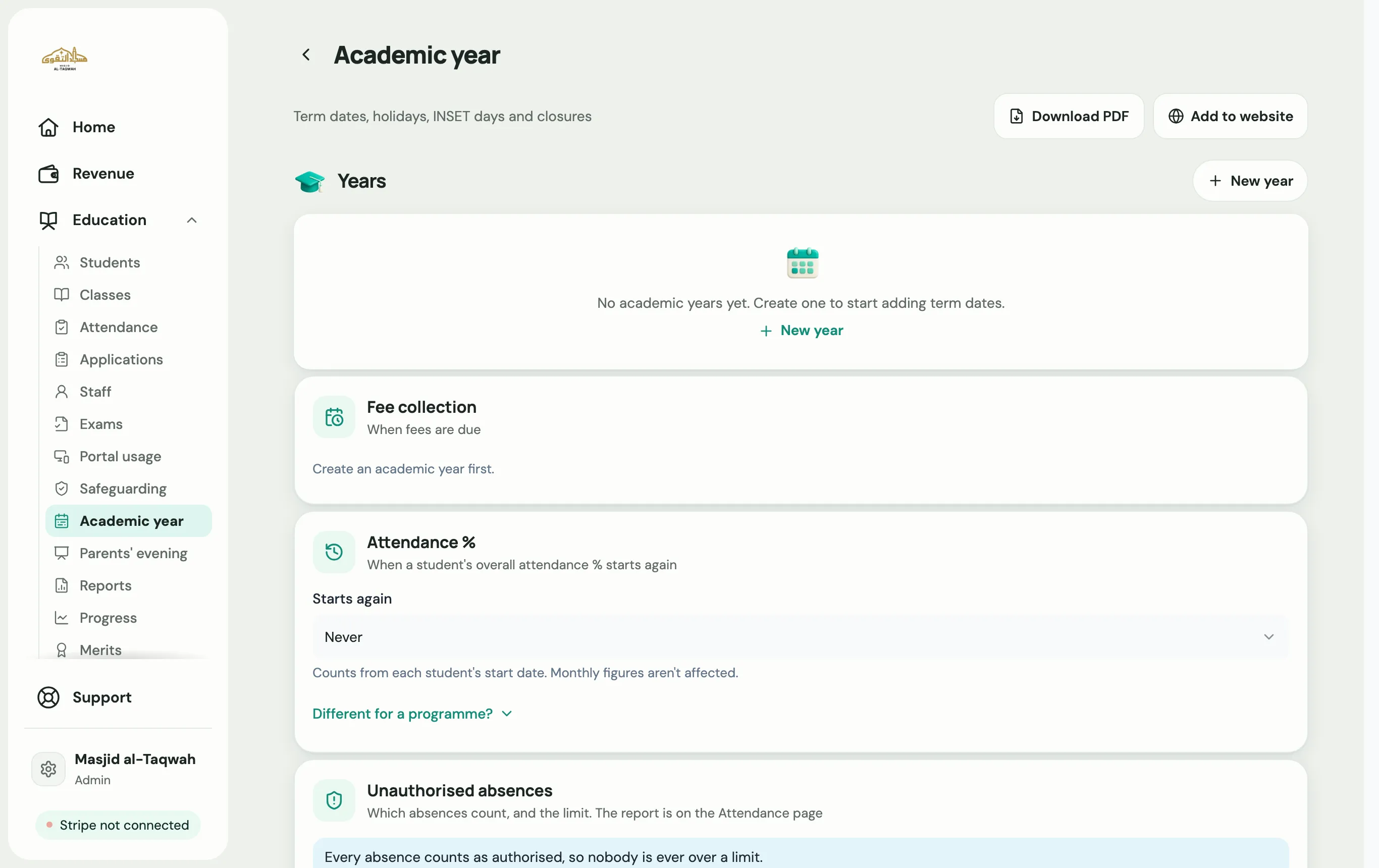
Create the year
Section titled “Create the year”-
Go to Education → Academic year.
-
Choose New year.
-
Give it a name, such as “2026–27”, and pick the Starts and Ends dates.
-
Tick Set as current year, then choose Save.
Add terms, holidays and closures
Section titled “Add terms, holidays and closures”-
Choose Add date.
-
Pick a Type: Term start, Term end, Half-term, Eid holiday, Public holiday, Teacher training (INSET), Emergency closure, Exams or Other.
-
Add a title and the dates.
-
If classes don’t run on those days, tick Classes closed. Then use Which classes? to choose every class or just some.
-
Choose Save.
Put your term dates on your website
Section titled “Put your term dates on your website”Choose Add to website to copy a snippet that shows your term dates on your own website. It updates on its own whenever you change dates in Labbaik.