
Connect Stripe
Labbaik uses Stripe to take card payments, Apple Pay, Google Pay and Direct Debit. The money goes into your Stripe account and then to your bank. Labbaik never holds it.
Before you start
Section titled “Before you start”Have these to hand:
- Your organisation’s legal name and address, plus its charity number or company number if it has one
- The bank account the money should go to
- Photo ID for the person setting it up. Stripe has to check who runs the account.
Connect
Section titled “Connect”-
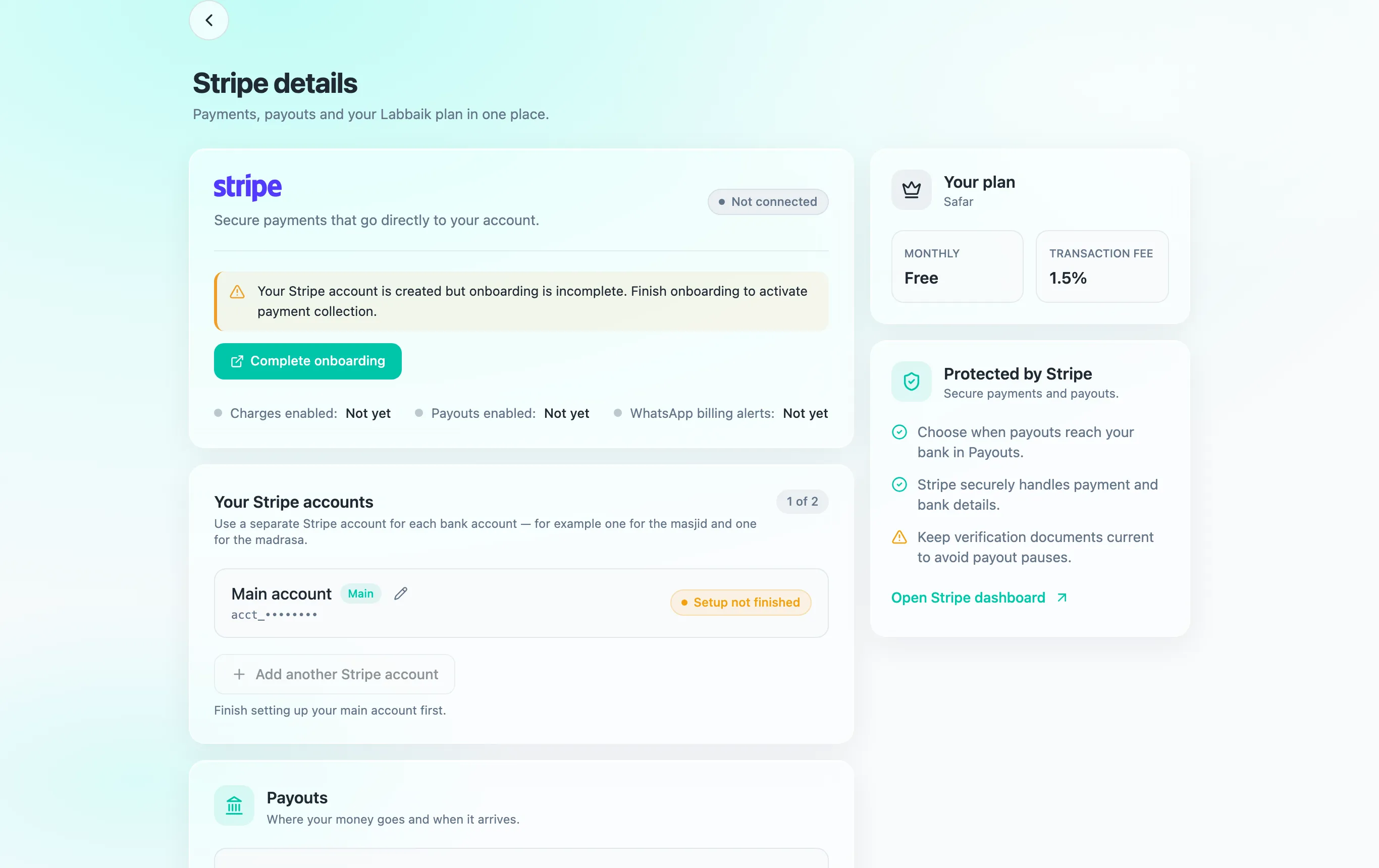
Go to Account → Stripe.
-
Choose Connect Stripe.
-
Read Before you connect Stripe, then Choosing your business type. When Stripe asks for your business type, choose:
- Non-profit → Unincorporated association, for most masjids, madrasahs and community organisations.
- Charitable company, only if you have a Companies House registration number (CRN). Without one, Stripe gets stuck asking for it.
- Individual / Sole trader, if you teach on your own.
-
Choose I understand and proceed to Stripe, then complete Stripe’s form.
-
Stripe sends you back to Labbaik. Stripe account connected means you’re done.
More than one Stripe account
Section titled “More than one Stripe account”Some organisations want money kept apart, for example masjid donations in one bank account and madrasah fees in another. You can connect a separate Stripe account for each bank account.
-
Finish setting up your main account first.
-
On Account → Stripe, under Your Stripe accounts, choose Add another Stripe account.
-
Give it a name, such as “Madrasah”. Only your admins see this name.
-
Continue in Stripe to set it up, or sign in to connect an account you already have.
Once you have two or more accounts, Where money goes appears on the same page. Choose which account each kind of payment goes into:
| Payment type | Covers |
|---|---|
| Education | Class fees, admissions and payment links |
| Donations | Sadaqah pots and the donate page |
| Certificates | Nikah and other certificate fees, and tips |
| Events | Paid event tickets |
To send one programme’s fees somewhere different from the rest of Education, use Send specific programmes somewhere else.
The Safar plan allows two Stripe accounts. Manzil has no limit.
- Turn on Direct Debit for monthly fees
- Create a Sadaqah pot for donations
- Check Revenue to see payments as they arrive