
Qur'an Companion for families
The Qur’an Companion is a Qur’an reader built into the portal, with audio for every ayah. Children studying Qur’an or Hifz see Qur’an in the portal menu. They use it to read along with a reciter, and to practise the passages their teacher sets as homework.
Reading and listening
Section titled “Reading and listening”Open More → Qur’an.
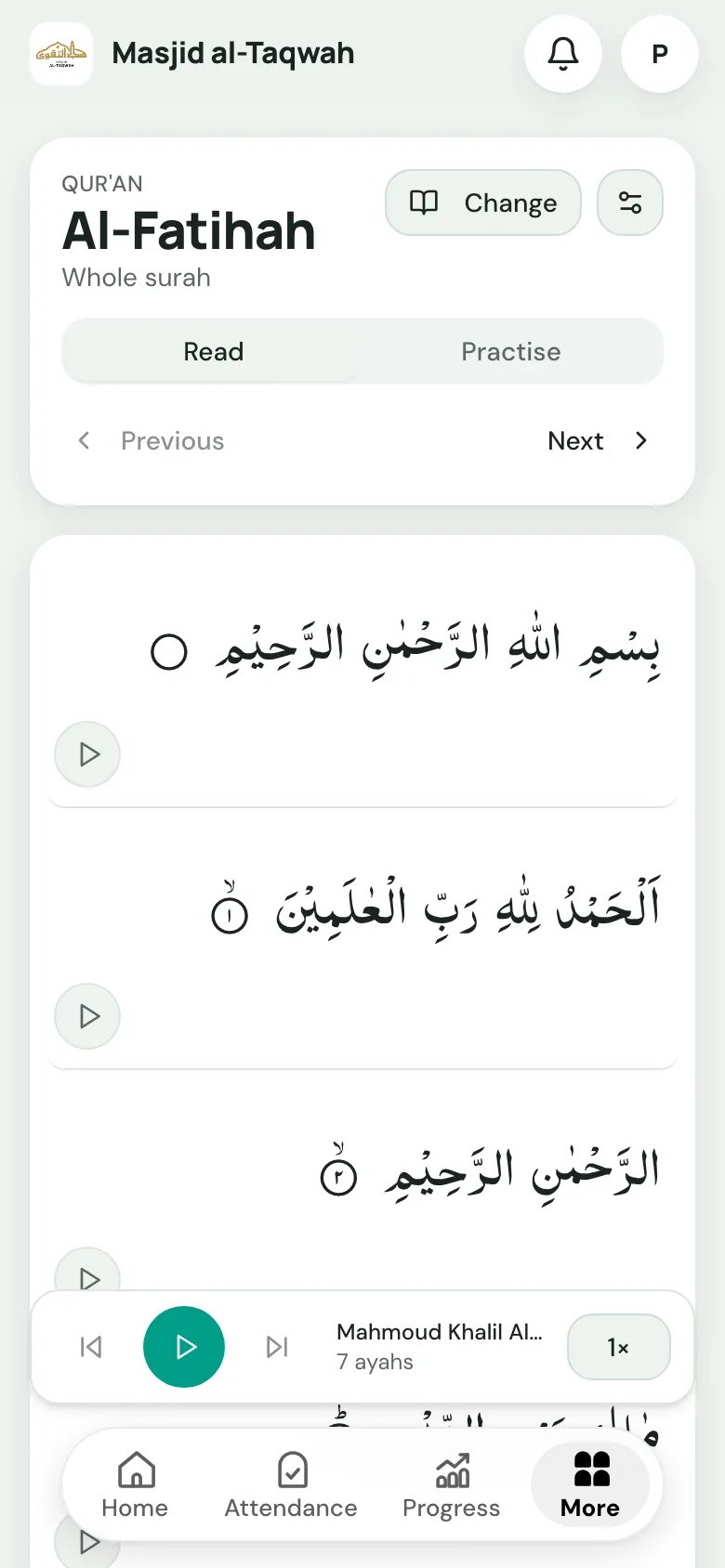
- Read: the passage, ayah by ayah, with a play button on each ayah and a player at the bottom. Use Previous and Next to move on, or Change to pick another surah and ayahs.
- Practise: plays the passage on repeat so they can learn it by listening (see below).
- Settings (the sliders button): choose the Script (IndoPak or Uthmani), a Translation, and the Reciter.
This is how a Qur’an student reads along at home: open the surah they’re reading in class, press play, and follow the text as the reciter reads it.
Practising homework
Section titled “Practising homework”When the teacher sets Qur’an or Hifz homework with a passage, it opens straight in the Companion, ready to practise.
Qur’an reading homework
Section titled “Qur’an reading homework”The homework shows the passage to read, and how many times the teacher wants them to listen, such as Listen 5 times. Choose Read and listen.
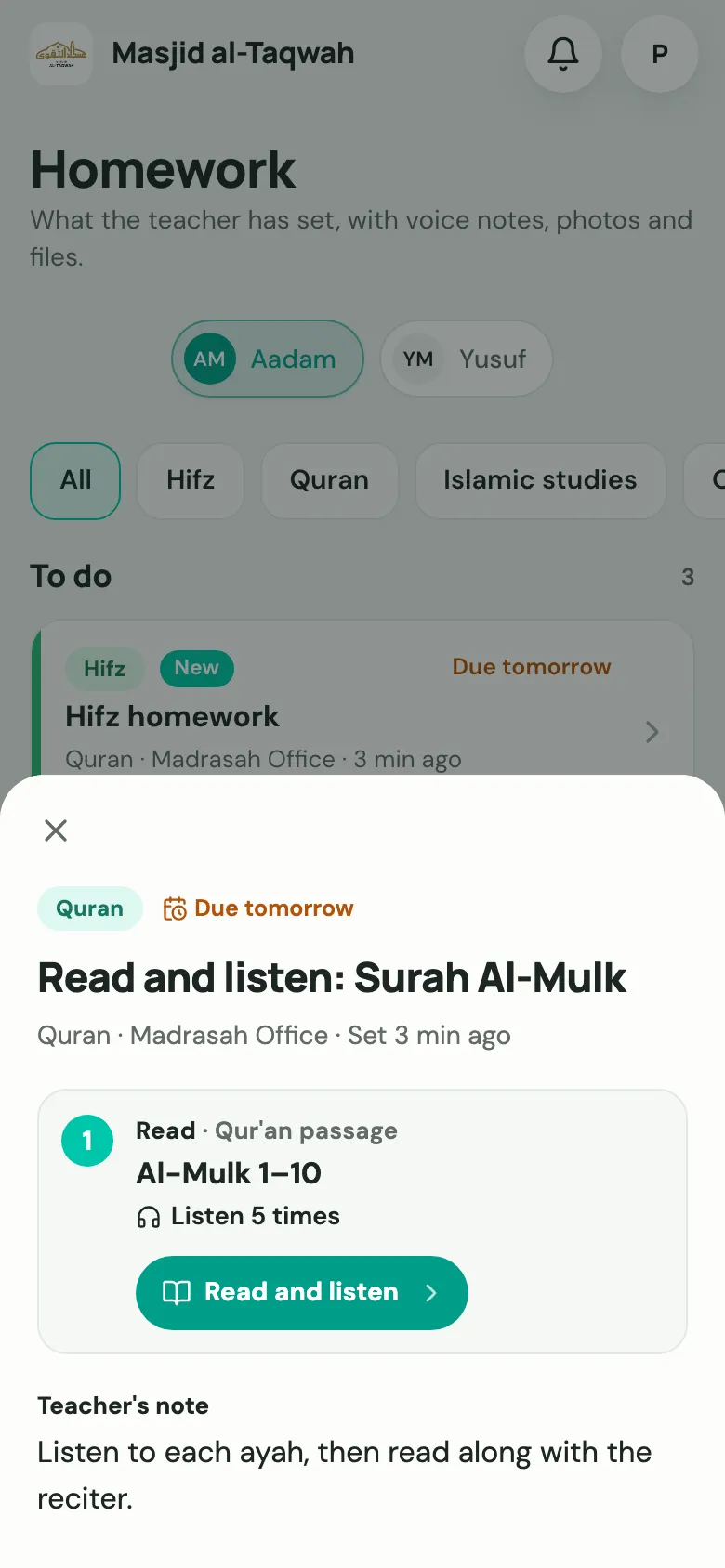
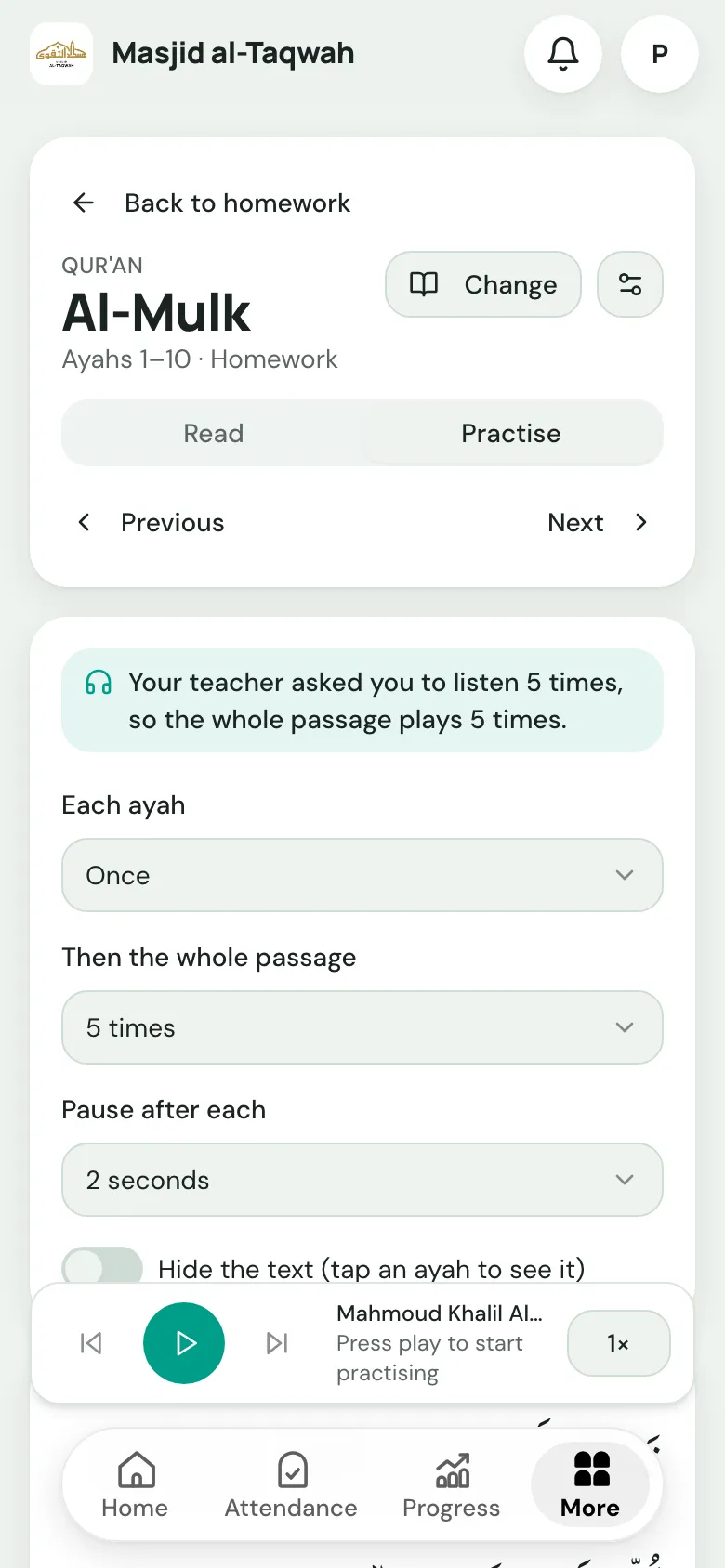
The Companion opens the passage with the teacher’s target already set: “Your teacher asked you to listen 5 times, so the whole passage plays 5 times.”
Hifz homework
Section titled “Hifz homework”Hifz homework lists each task: Sabaq (new memorisation), Sabaq Para (recent revision) and Dhor (older revision). Each has its own Listen and practise button.
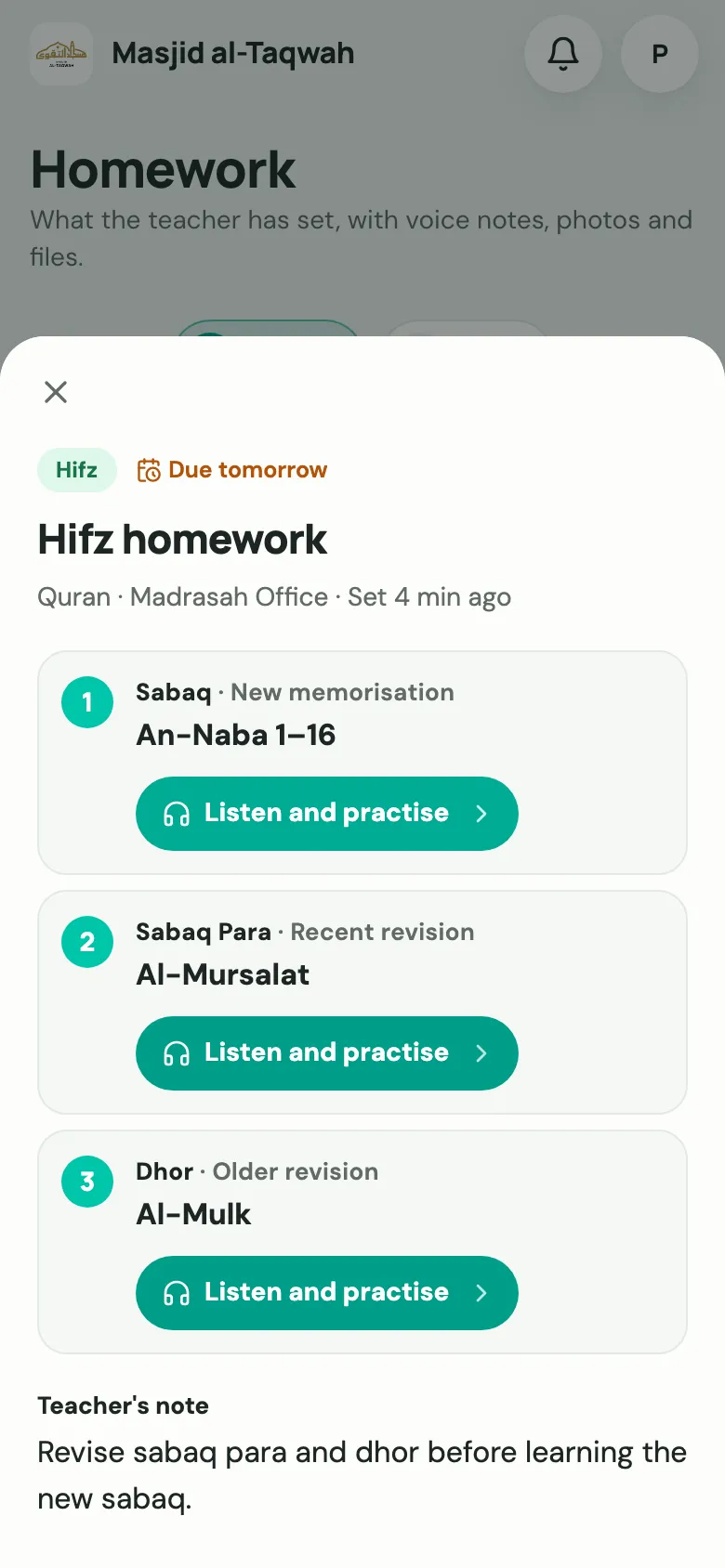
Tap one to practise that portion. For a new sabaq, listening to it many times before memorising makes a big difference.
Practise settings
Section titled “Practise settings”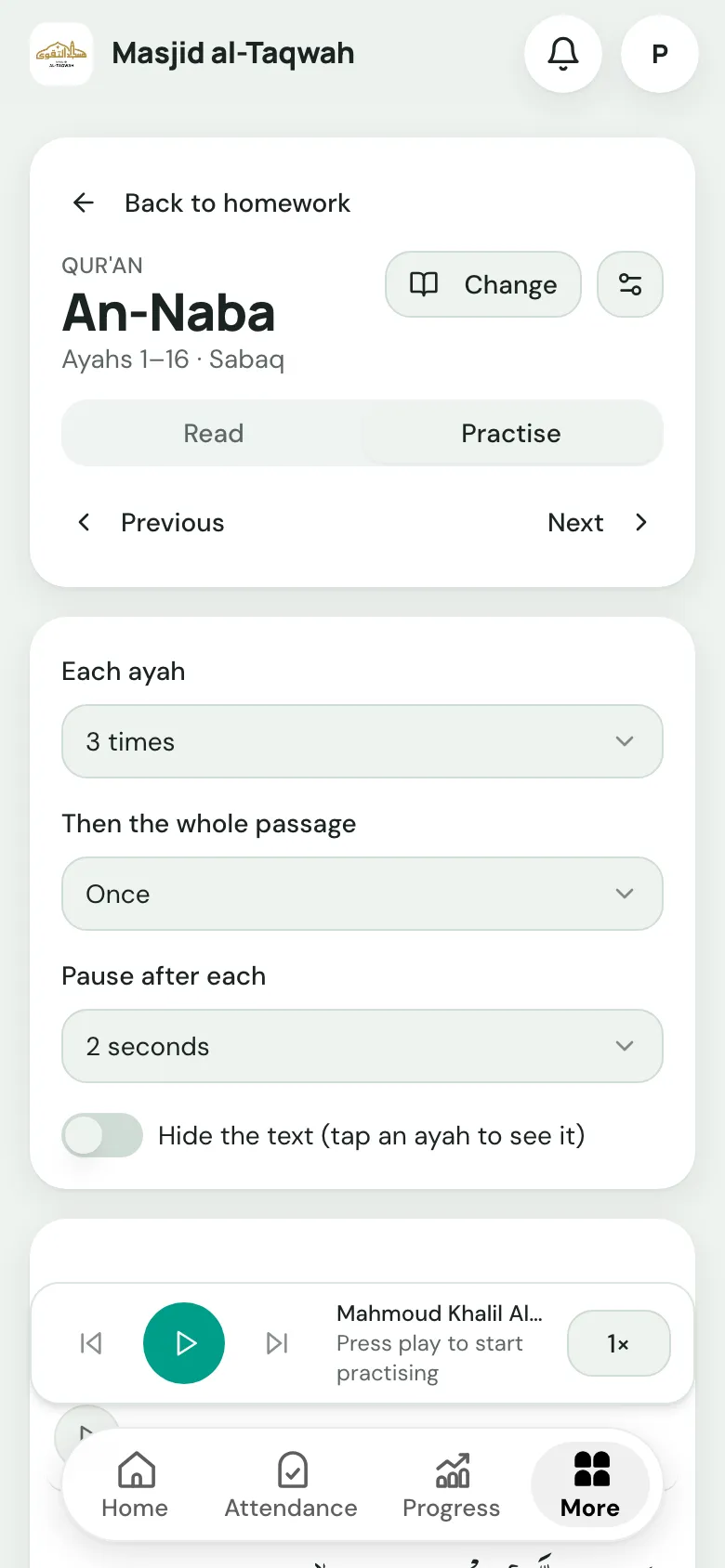
-
Choose how many times to hear Each ayah (up to 10).
-
Choose how many times to hear Then the whole passage (up to 5, or the number the teacher set).
-
Set a Pause after each ayah, so there’s time to repeat it out loud.
-
To test themselves, switch on Hide the text (tap an ayah to see it).
-
Press play.
When they’ve finished, they can mark the homework as practised, and choose Back to homework to return.
Practise at home on the Progress page
Section titled “Practise at home on the Progress page”The Progress page has a Practise at home card, which opens where the child is up to, for example Read and listen · Juz 2.