
Add a student
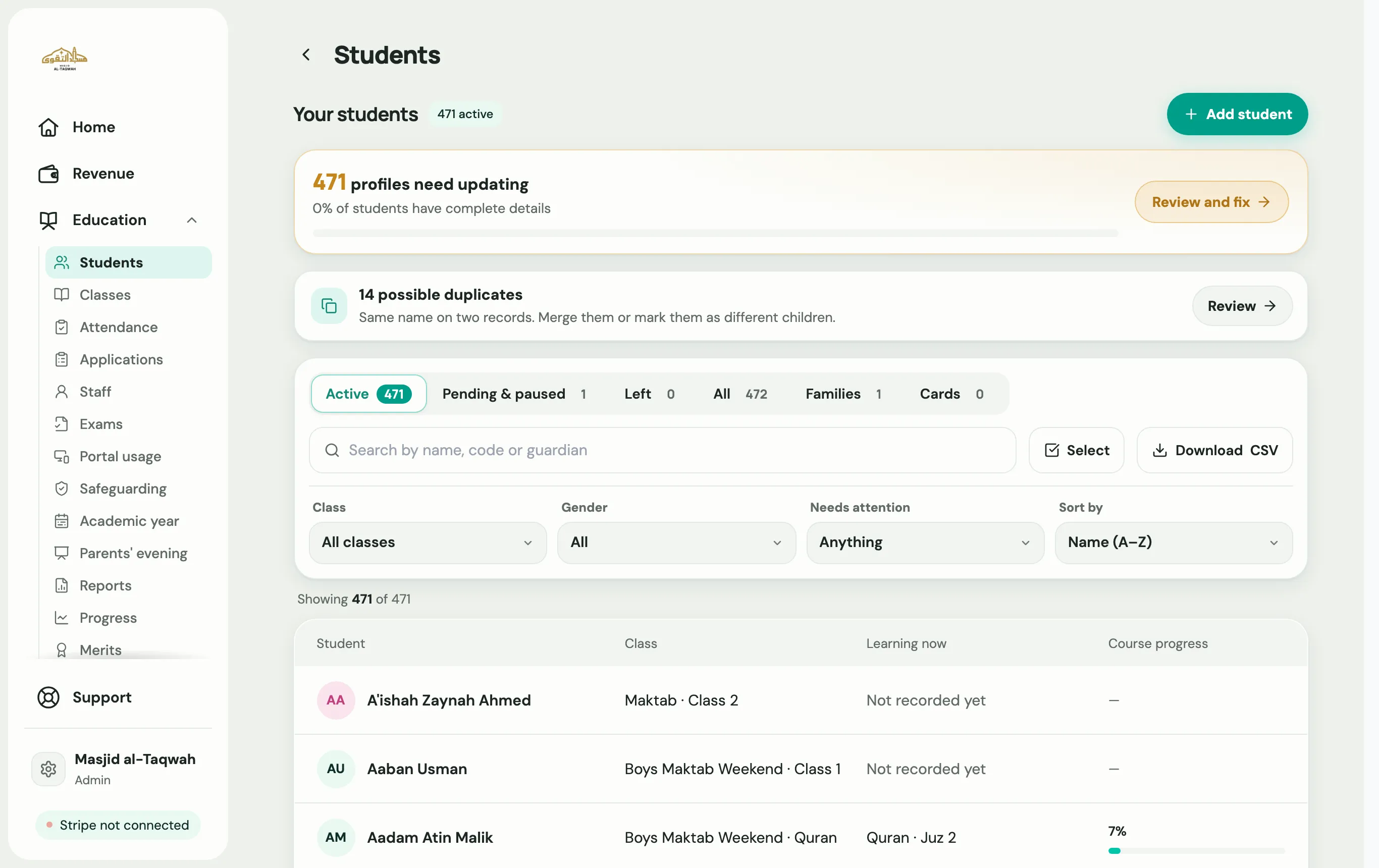
There are three ways to add students. Pick the one that suits you:
- Add one student: quick, when you have their details to hand.
- Share a registration form: the family fills in their own details, which saves you typing and gets their consent on record.
- Import from spreadsheet: for many students at once. See Import students.
Add one student
Section titled “Add one student”-
Go to Education → Students, or open a class, and choose Add student.
-
Choose Add one student.
-
Fill in the short form:
- Student’s name
- Email (optional)
- Group
- When did they start?
- Gender and Under 18
- Ustadh
-
Choose Add student.
Labbaik then offers to Share registration link with the family, so they can add contact details, medical notes and consent themselves:
Get the start date right
Section titled “Get the start date right”When did they start? decides the first day a student appears on the register. If you set it too early, past registers show the student as unmarked, and those days read as Partly marked. If they joined mid-term, use the real date they joined.
Share one link for everyone
Section titled “Share one link for everyone”You don’t need to add students one by one. Every organisation has a public registration link, apply.uselabbaik.com/yourname, that you can put on your website, in a WhatsApp group or on a poster. New sign-ups arrive under Applications. See Applications and registration links.